More Questions We've Answered Related to This Product
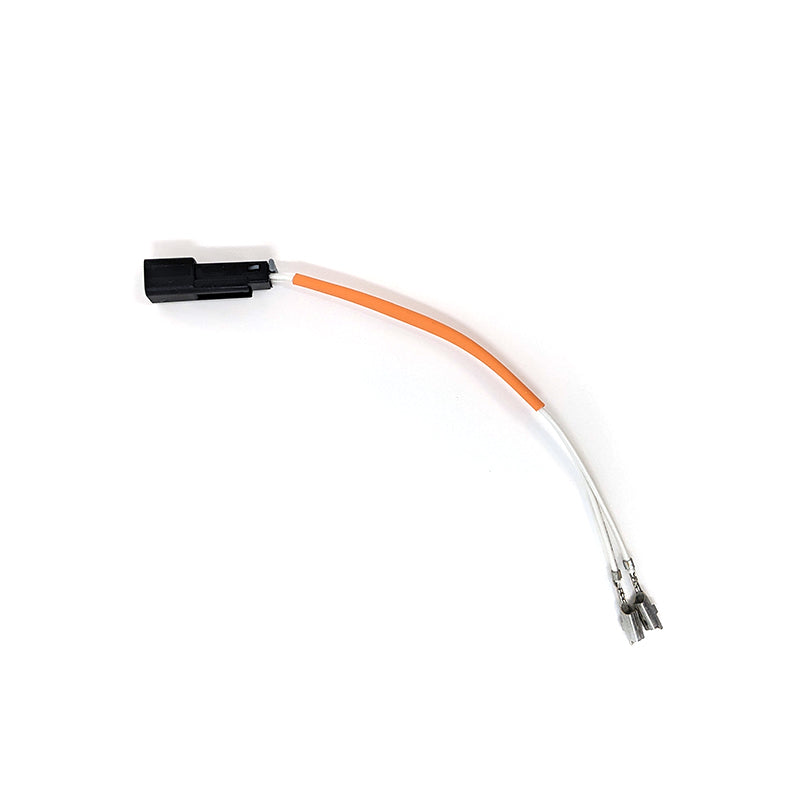
We’ve provided several answers to questions related to Gator 42Pin VBM Adapter for Vats Bypass Module , see some other helpful Q&A related to this product.
-
Question: How do I disable the adapter?
Answer: To disable the adapter, go to your computer's Control Panel and open the Network and Sharing Center. Click on "Change adapter settings," right-click the adapter you want to disable, and select "Disable."
-
Question: Who is the vendor or manufacturer of this adapter?
Answer: The vendor of this adapter is Gator Tools. Knowing the manufacturer can provide confidence in the product's quality and support, especially when sourcing replacement parts or seeking technical assistance for a vats bypass.