How to use Kwikset SmartKey Learn tool?
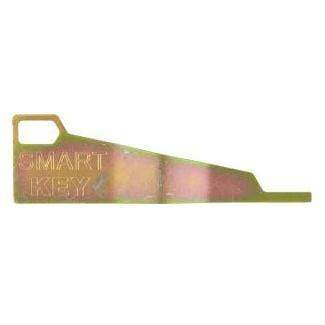
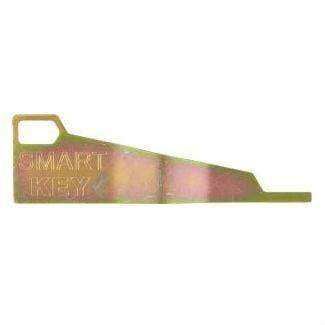
Kwikset Smart Key Learn Tool
Status:
Open Jul 22, 2026 - 07:55 AM
1answer
Answer
Jul 22, 2026 - 07:55 AM
To use the Kwikset SmartKey Learn tool, insert the existing key and turn it 90 degrees, then insert the SmartKey tool into the small hole next to the keyhole until you hear a click. Remove the existing key, insert your new key, and turn it back to complete the re-keying process.
View More Product Details
Kwikset Smart Key Learn Tool
Easily Rekey and Reset Your Kwikset SmartKey Locks with Precision The Kwikset Smart Key Learn Tool is an essential solution for anyone working with a Kwikset key system, offering a fast and secure way to rekey and reset locks without removing them. Designed for both professionals and DIY users, this...
See More
View all Kwikset Smart Key Learn Tool Questions & Answers