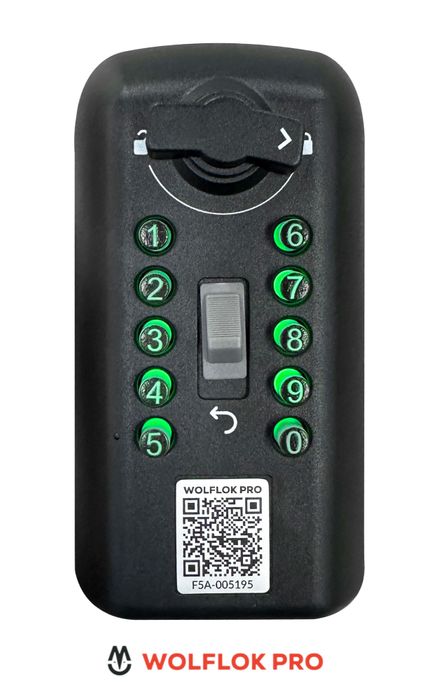
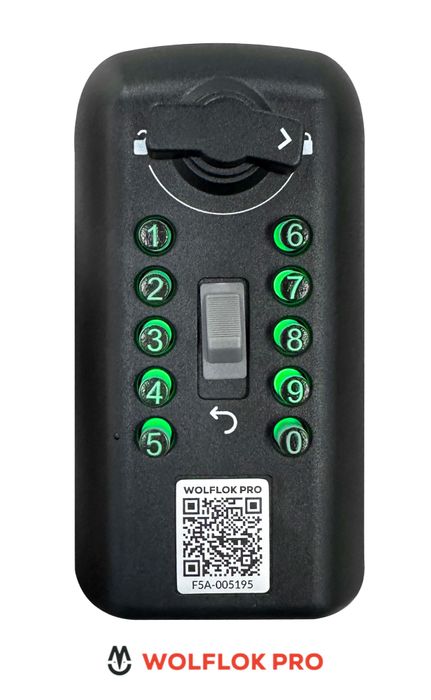
How do I change the code on a push button lock box?
Wolflok Pro Maximum Security Push-Button Lock Box
Lock Boxes
Status:
Open Jul 21, 2026 - 01:22 PM
1answer
Answer
Jul 21, 2026 - 01:22 PM
To change the code on a push button lock box, open the box and locate the reset lever or button inside. Move or press the reset mechanism, set your new code by pressing the desired buttons, then return the reset lever or button to its original position. Always test the new code before closing the box.
View More Product Details
Wolflok Pro Maximum Security Push-Button Lock Box
The Wolflok Pro Maximum Security Key Lockbox sets a new standard in mechanical key storage, offering unmatched protection and ease of use for professionals and homeowners alike. Certified to the prestigious LPS1175 Issue 8 A10 & B1 security ratings by the Loss Prevention Certification Board (LPC...
See More
Browse by Category
Lock Boxes
View our complete selection of Lock Boxes to find the one that suites your needs.
View All
View all Lock Boxes Questions & Answers
View all Wolflok Pro Maximum Security Push-Button Lock Box Questions & Answers